DDC

DockerDiscordControl

Control your Docker containers directly from Discord!

DDC is a powerful bot and web UI to start, stop, monitor and manage your containers from any Discord server.

If you find DDC helpful, consider supporting its development:

Get DDC

One image for every platform: Unraid, Linux, Windows and macOS, on x86_64 and ARM64. Pick the way you run Docker.

Unraid

From Community Applications, with the template filled in

- Search "DockerDiscordControl"
- Updates through Unraid
- Config in appdata

Docker Compose

Linux servers, and Docker Desktop on Windows and macOS

- One docker-compose.yml
- Apple Silicon and Intel
- Recommended setup

Synology NAS

Container Manager, with the image from the registry

- No command line needed
- PUID / PGID for your user
- Same image
Image: dockerdiscordcontrol/dockerdiscordcontrol on Docker Hub. The older names ending in -linux, -mac and -windows carry the same image.

Features

NEW in v3.1
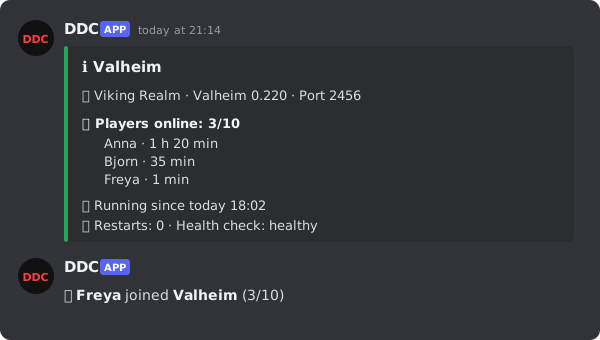
Info display with who is playing, and a join notice
View in carousel

Who Is Playing

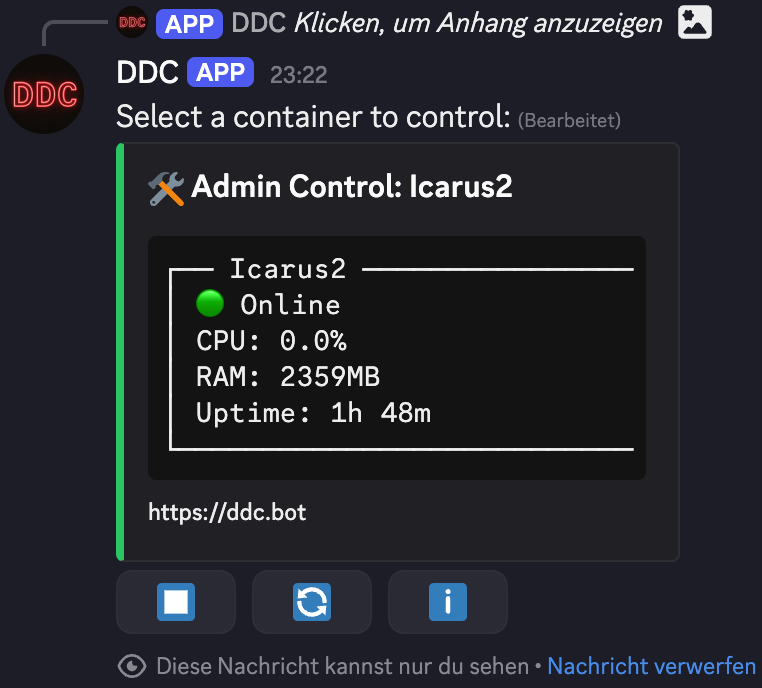
Every container has an info display: who is online, the game version, the port to join, uptime and health. Join notices tell your Discord when someone joins a game server

NEW in v3.1
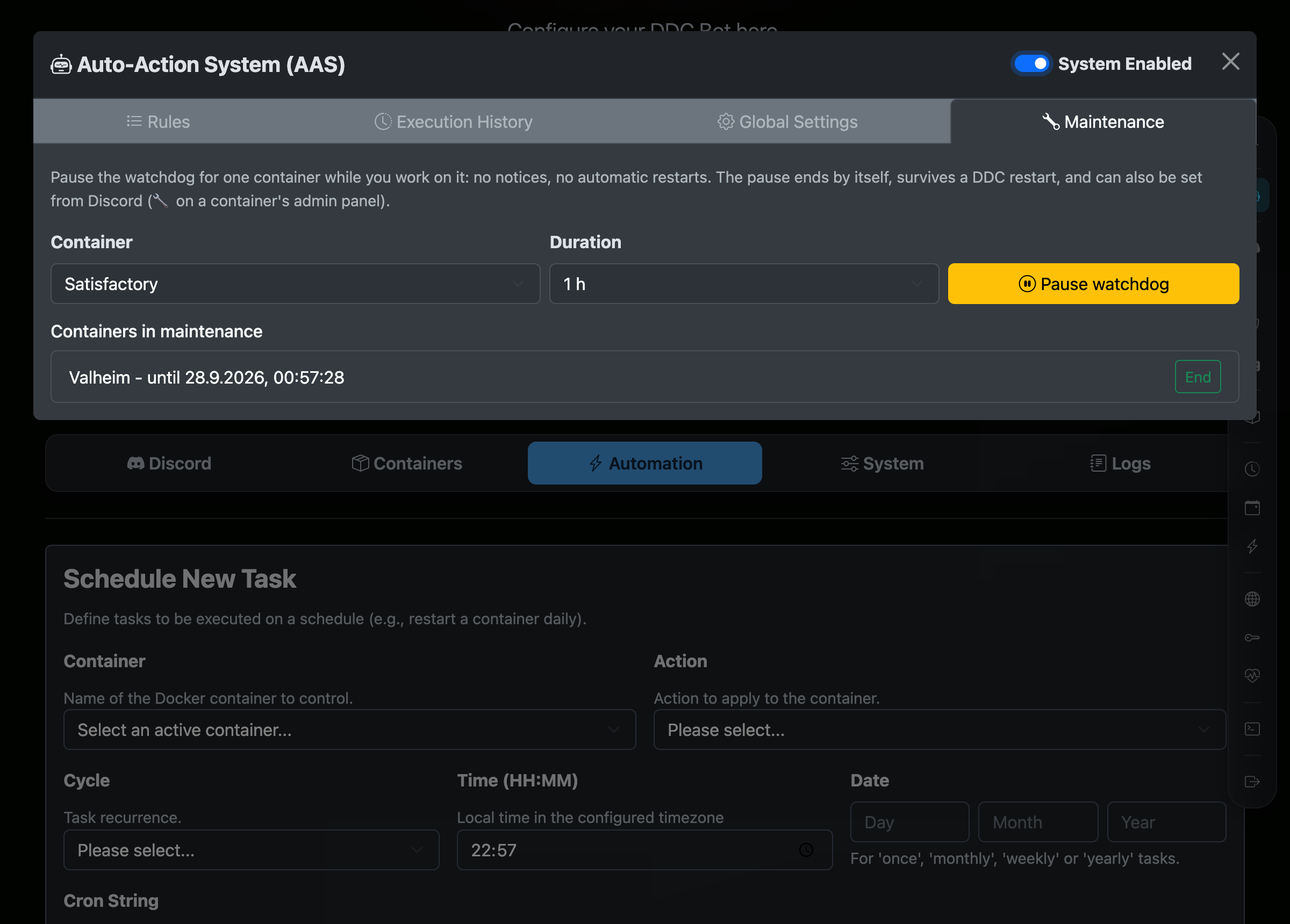
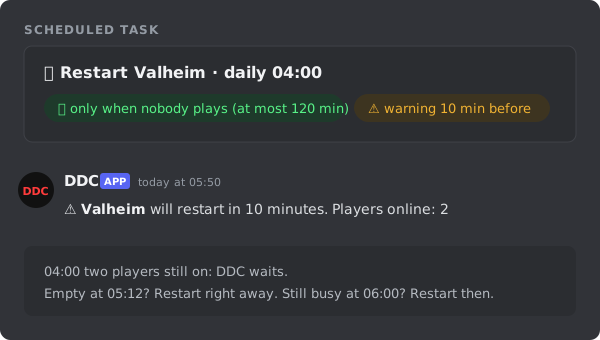
A restart that waits until nobody plays, with a warning first
View in carousel

Only When Nobody Plays

A scheduled restart waits until the server is empty, at most as long as you set, and warns the players in Discord before it happens

NEW in v3.1.1
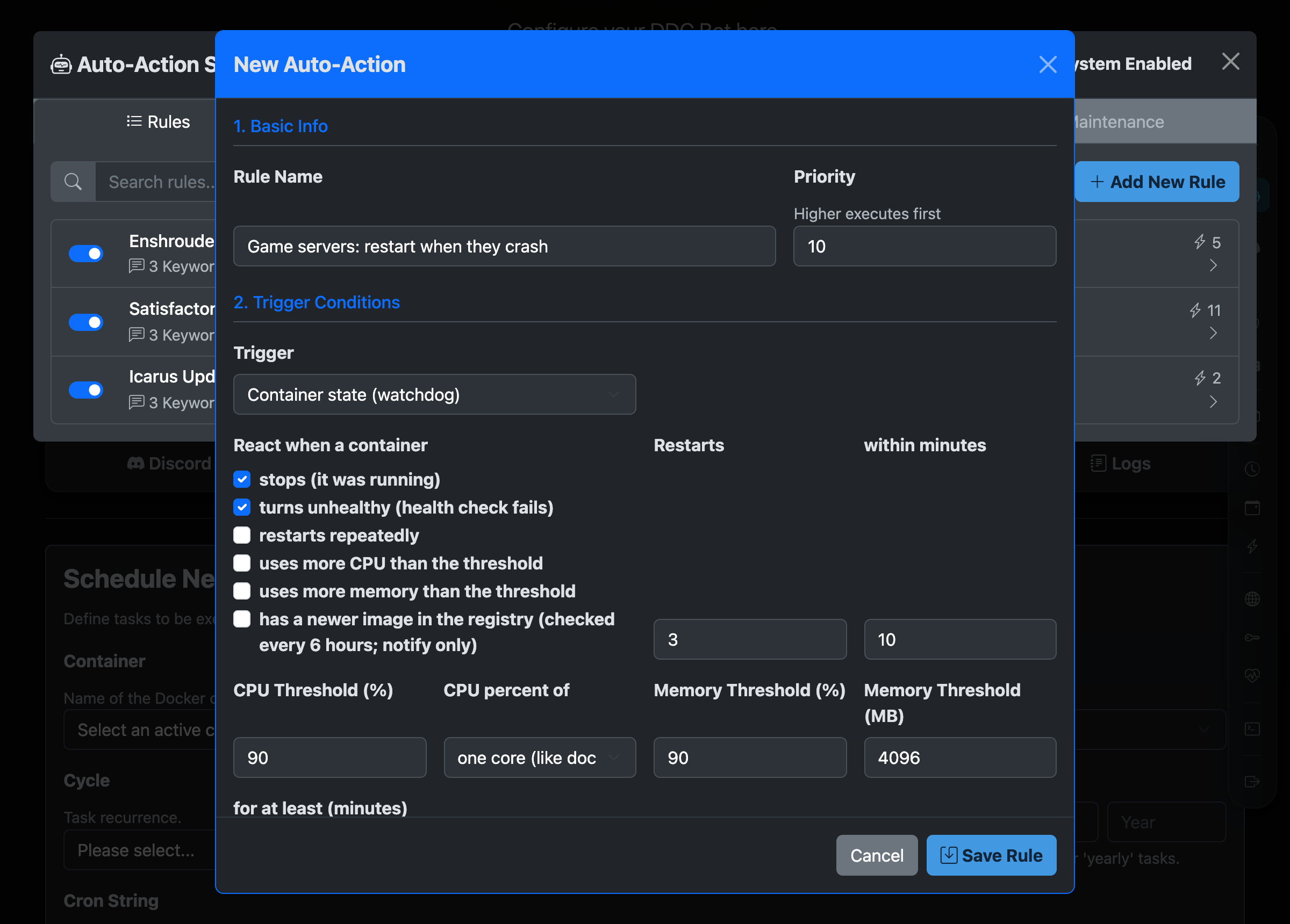
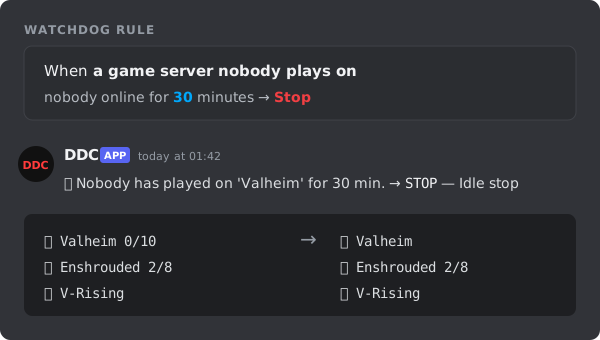
Watchdog rule that stops an empty game server
View in carousel

Stop Empty Game Servers

Nobody online for 30 minutes? DDC stops the game server for you and saves RAM and CPU on servers that would run empty all night

Since v3.0
Container Watchdog Screenshot
View in carousel

Container Watchdog

Get told in Discord when a container stops, turns unhealthy, restarts repeatedly, runs hot on CPU or memory, or has a newer image, and let DDC restart it for you

Since v3.0
Container Groups Screenshot
View in carousel

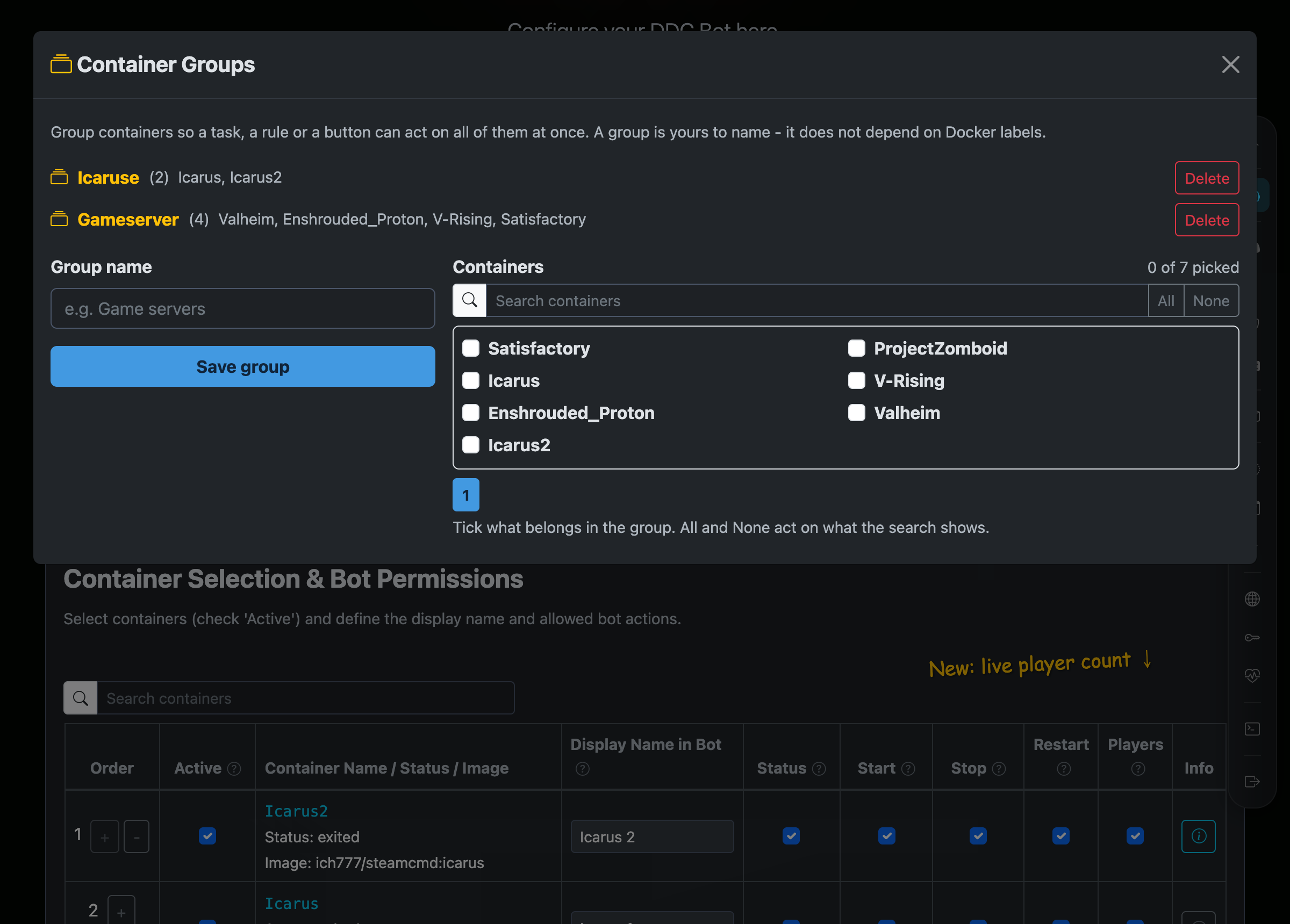
Container Groups

Put containers together ("Gameserver") and start, stop, restart or schedule the whole group like a single container

Since v3.0
Locked-down Docker Access
View in carousel

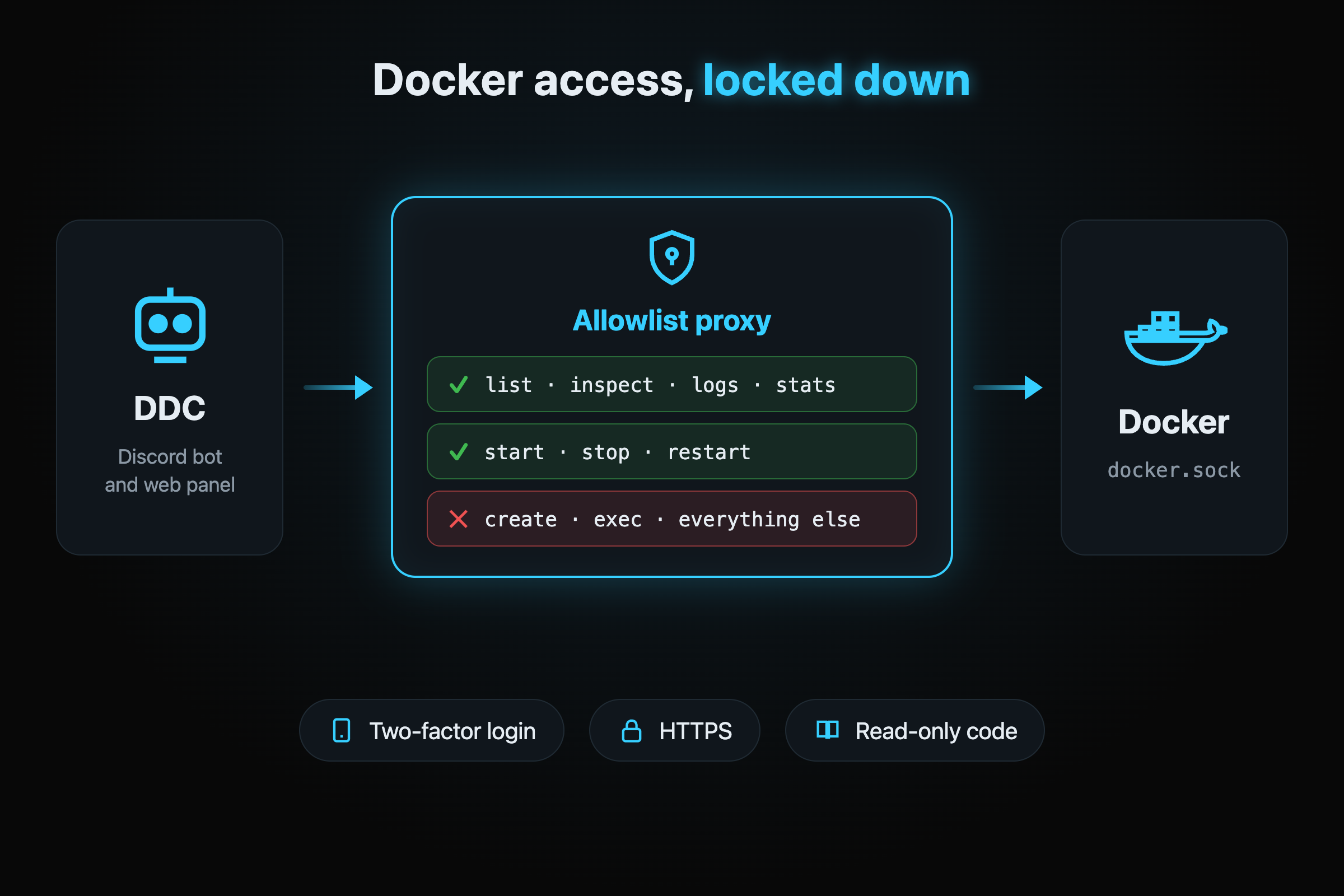
Locked-down Docker Access

DDC reaches Docker only through a built-in allowlist proxy, and the web panel can be protected with two-factor authentication and HTTPS

Status Channels
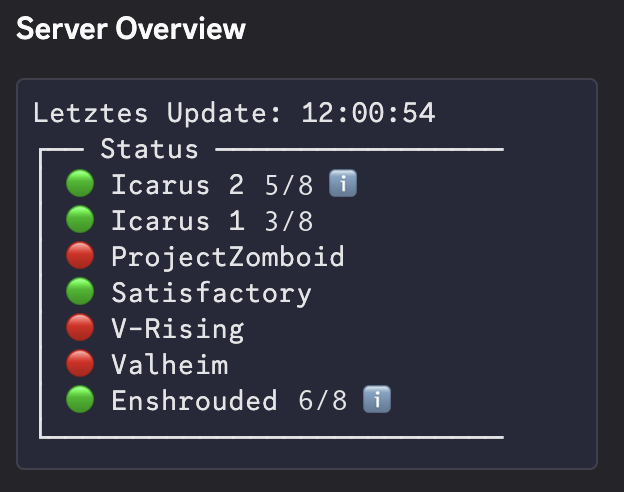
Discord Server Overview Screenshot
View in carousel

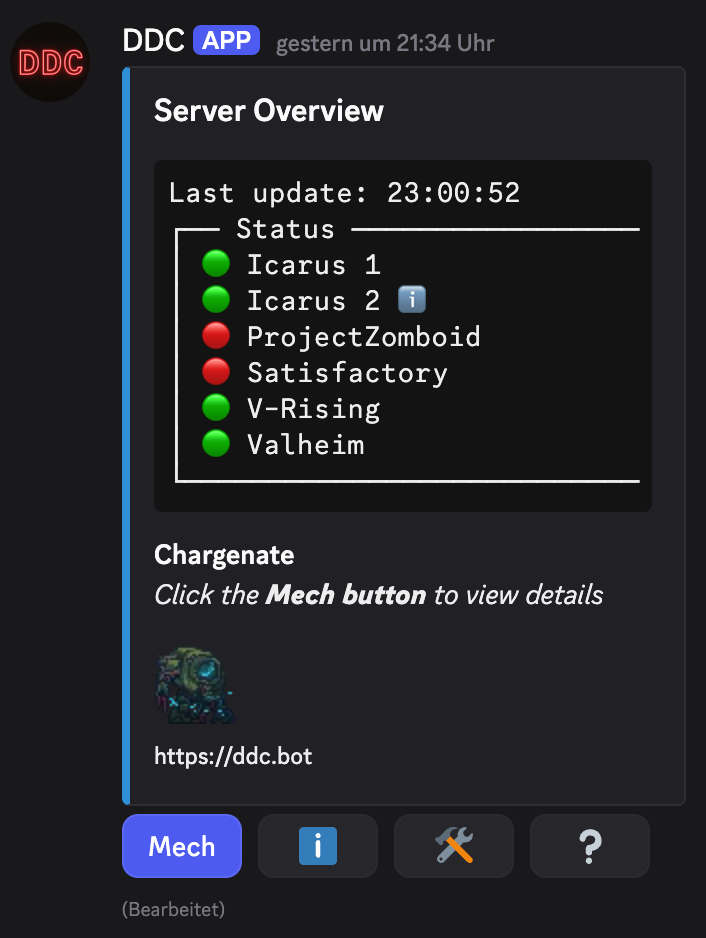
Server Overview

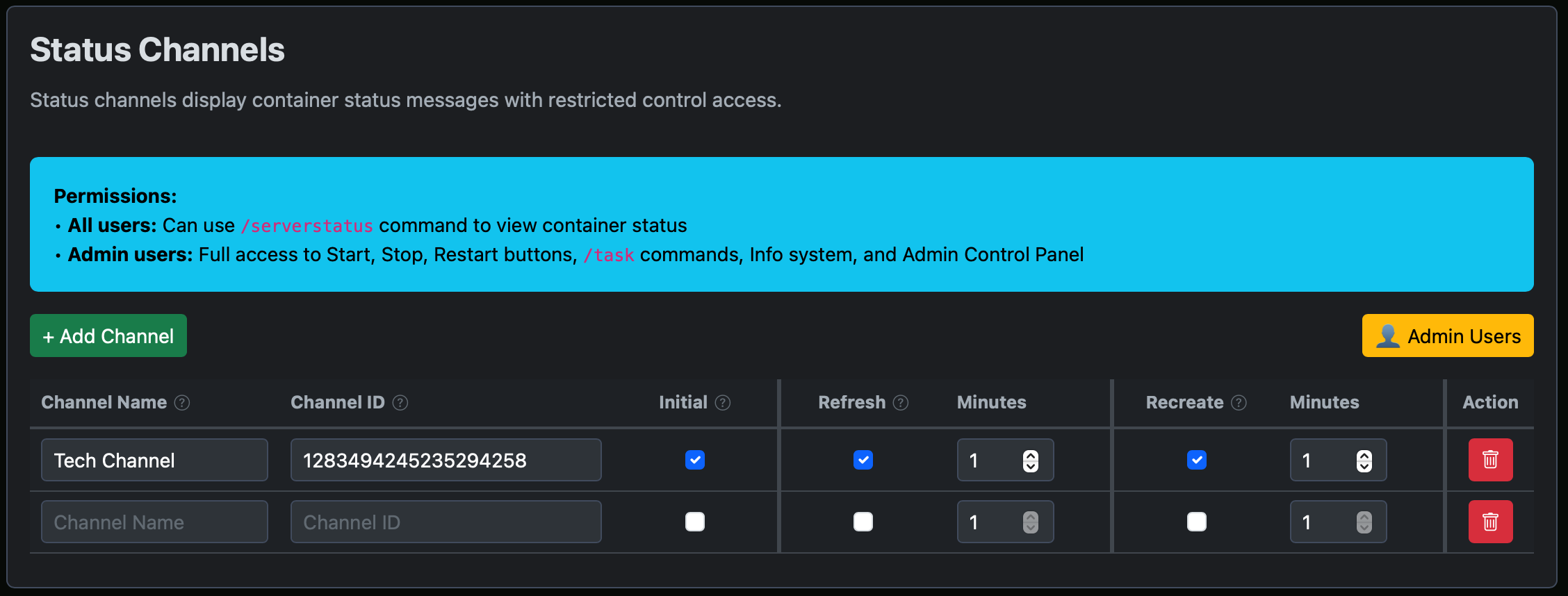
Real-time container status monitoring with automated status updates in Discord channels

Admin Channels
Discord Admin Overview Screenshot
View in carousel

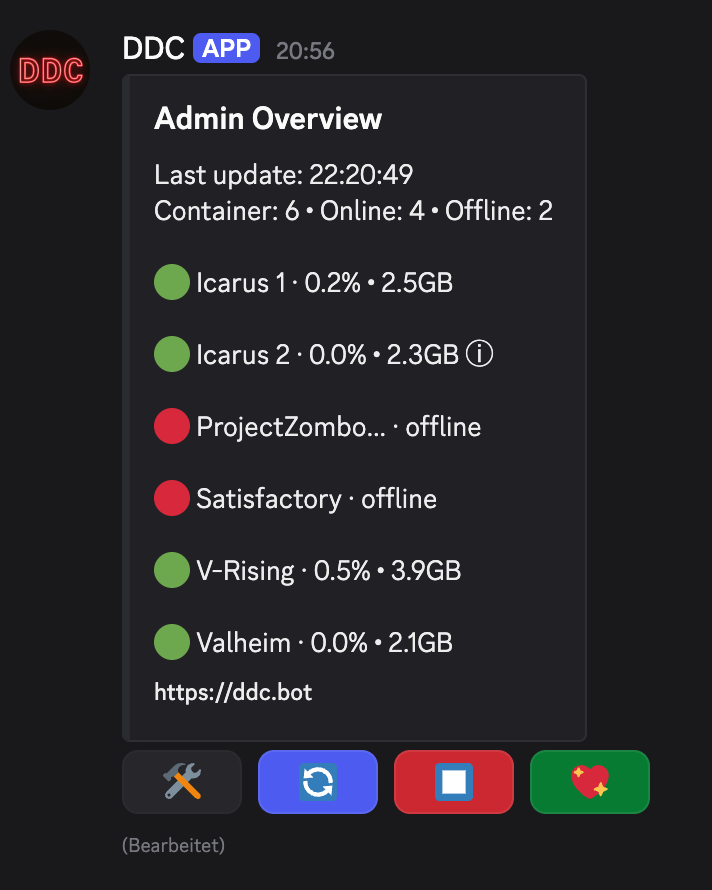
Admin Overview

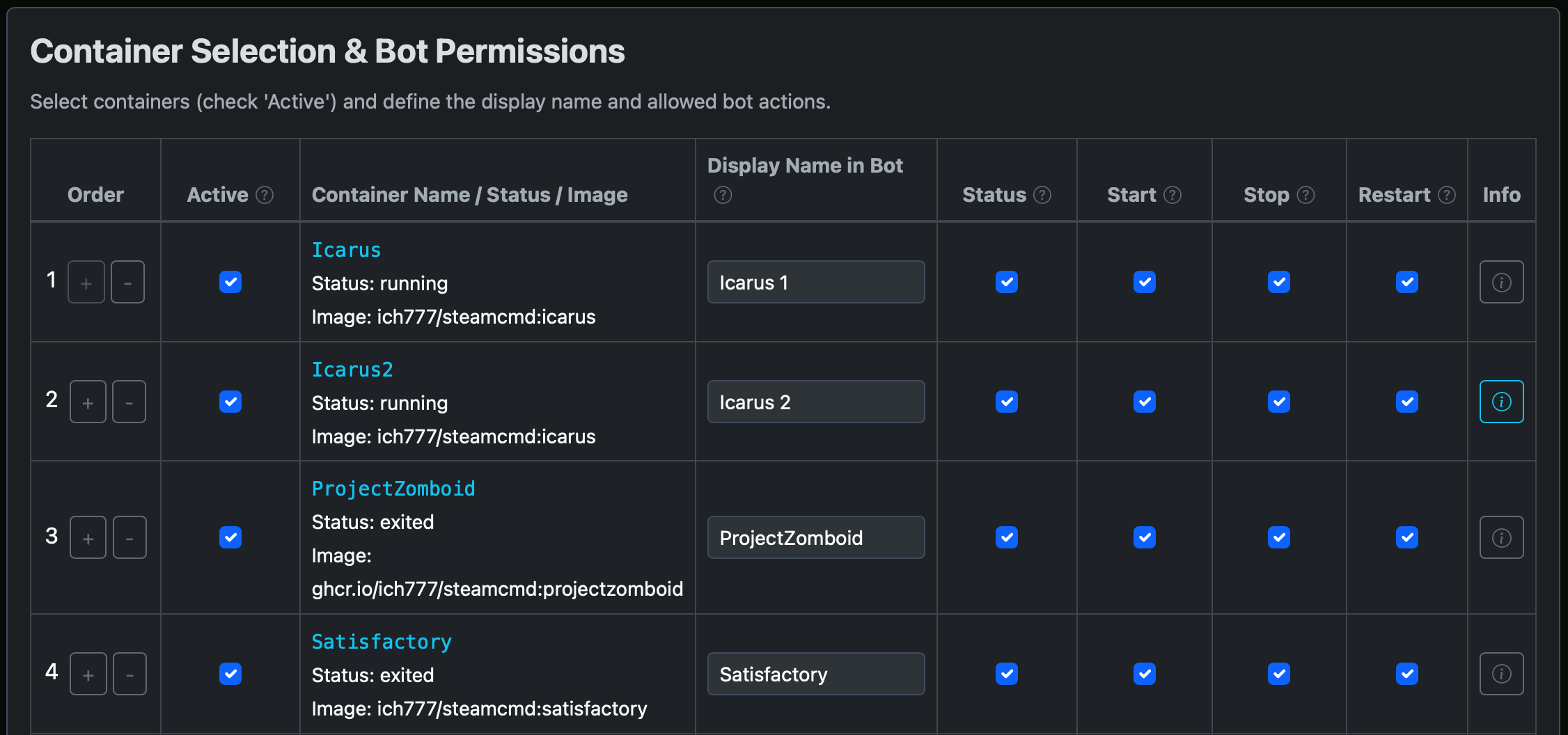
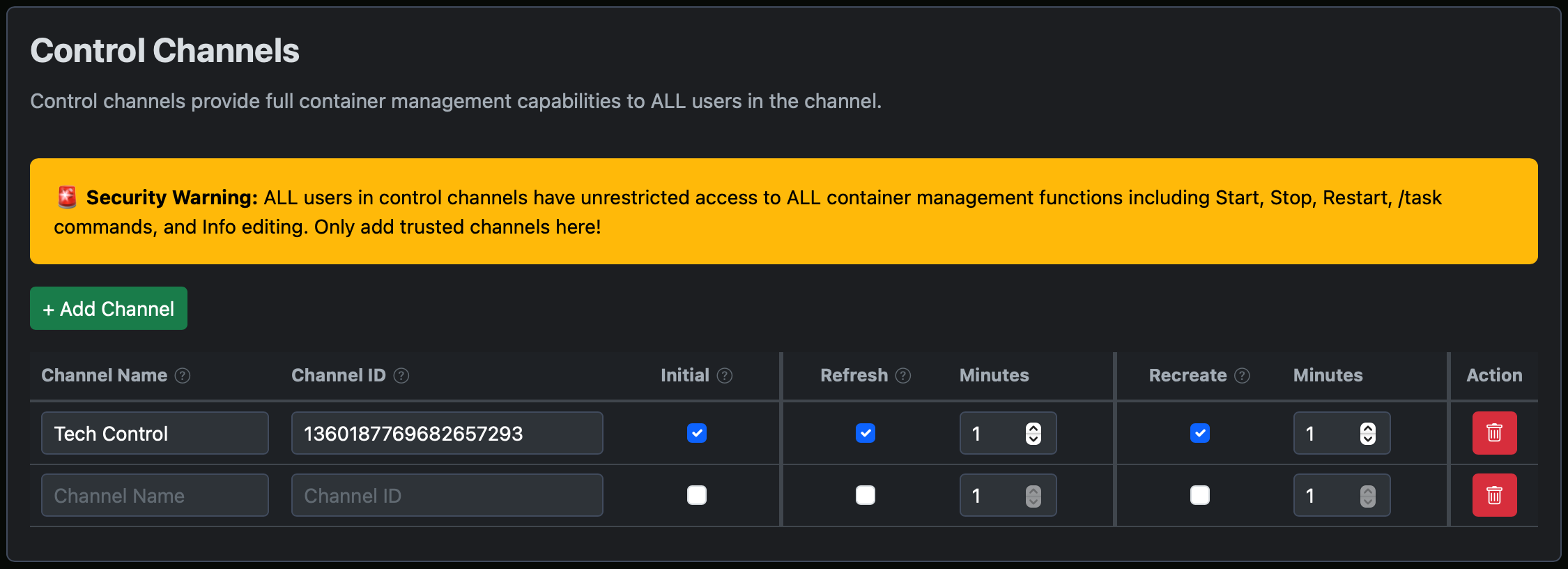
Advanced container management with slash commands and detailed control options for admins

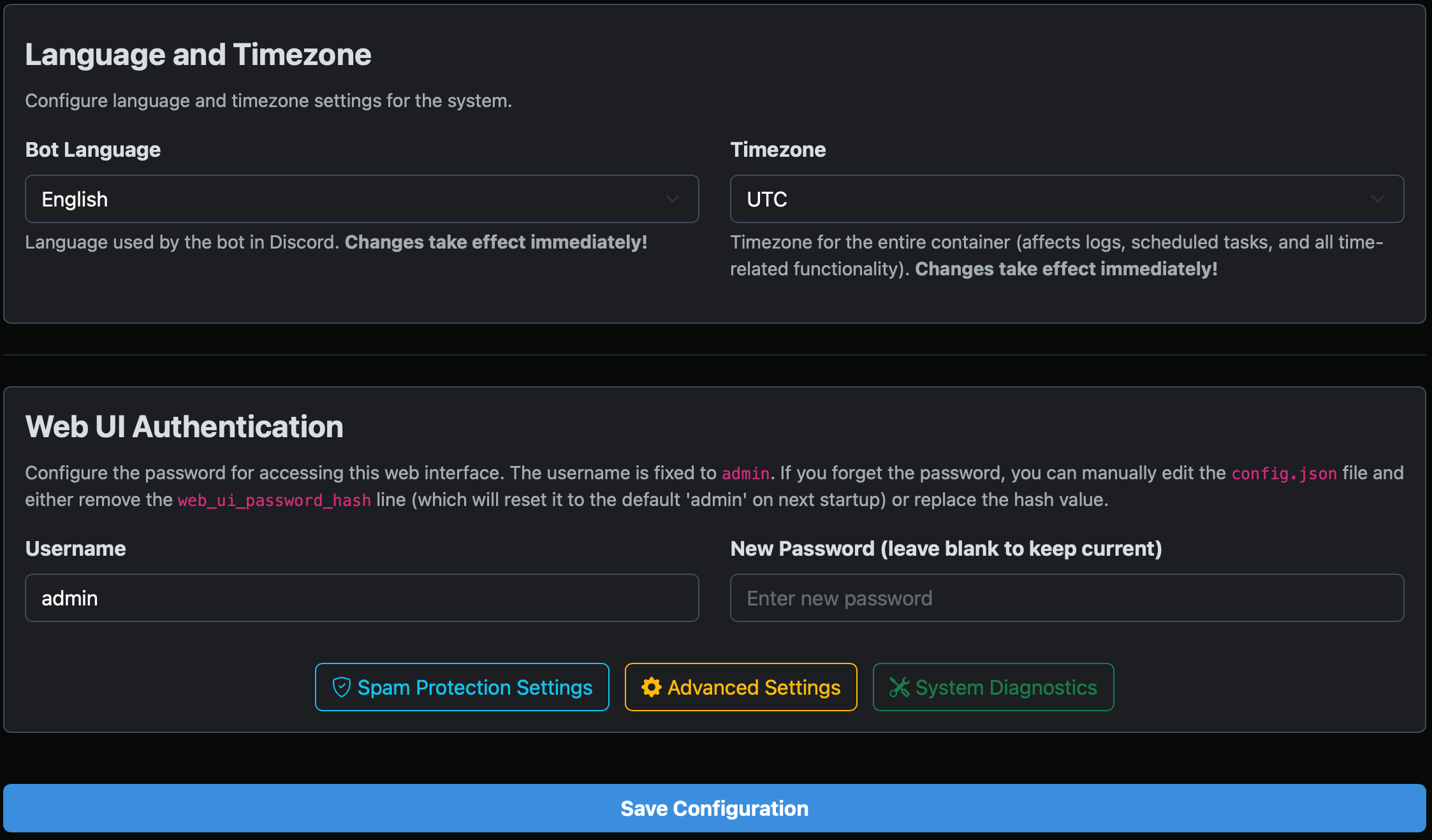
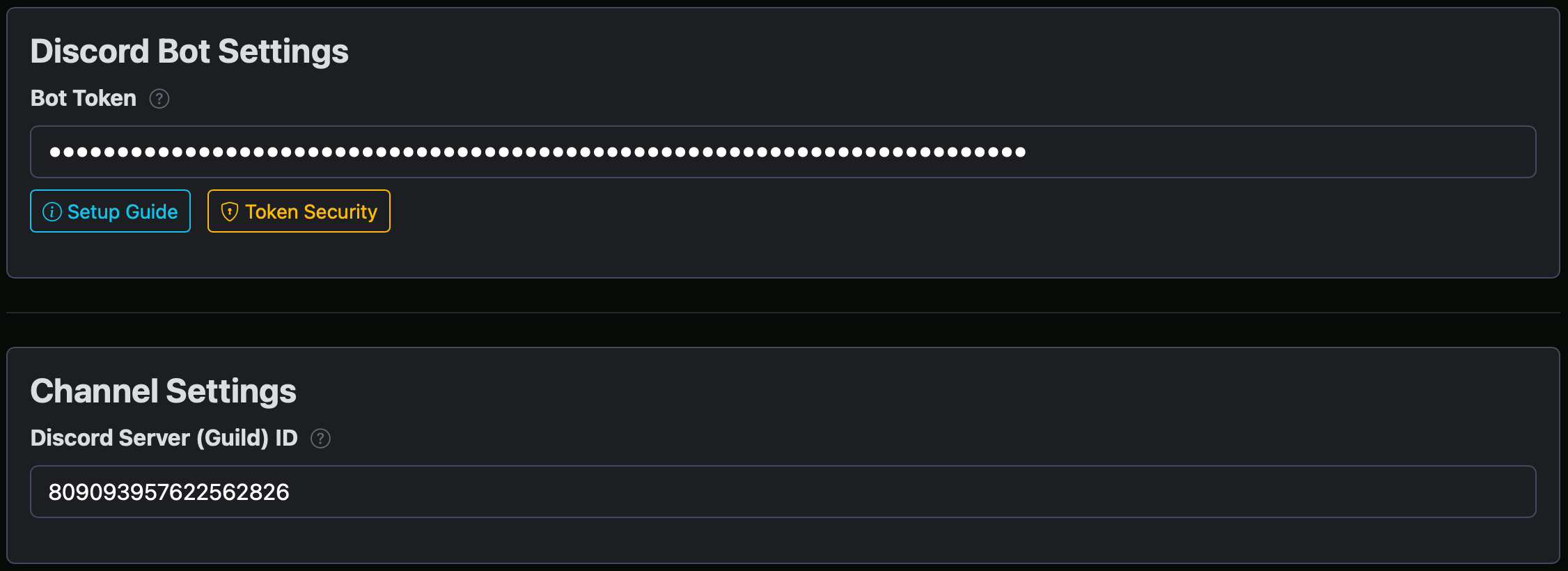
Web Interface Configuration Screenshot
View in carousel

Web Interface

Configure and manage your bot through an intuitive and secure web dashboard

Live Player Counts Screenshot
View in carousel

Live Player Counts

Show live "players online / max" for your game servers (Source/A2S, Minecraft, Satisfactory, Palworld) right in the Discord status overview

40 Languages Screenshot
View in carousel

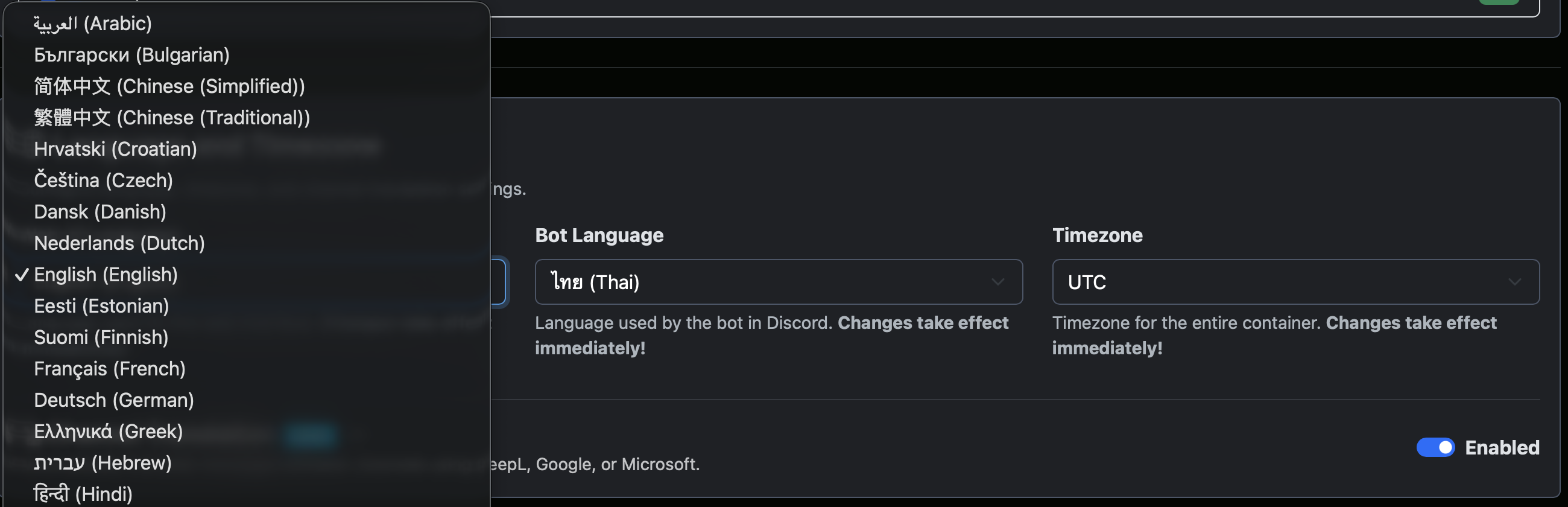
40 Languages

Full internationalization for Web UI and Discord Bot with instant language switching and RTL support

Channel Translation Screenshot
View in carousel

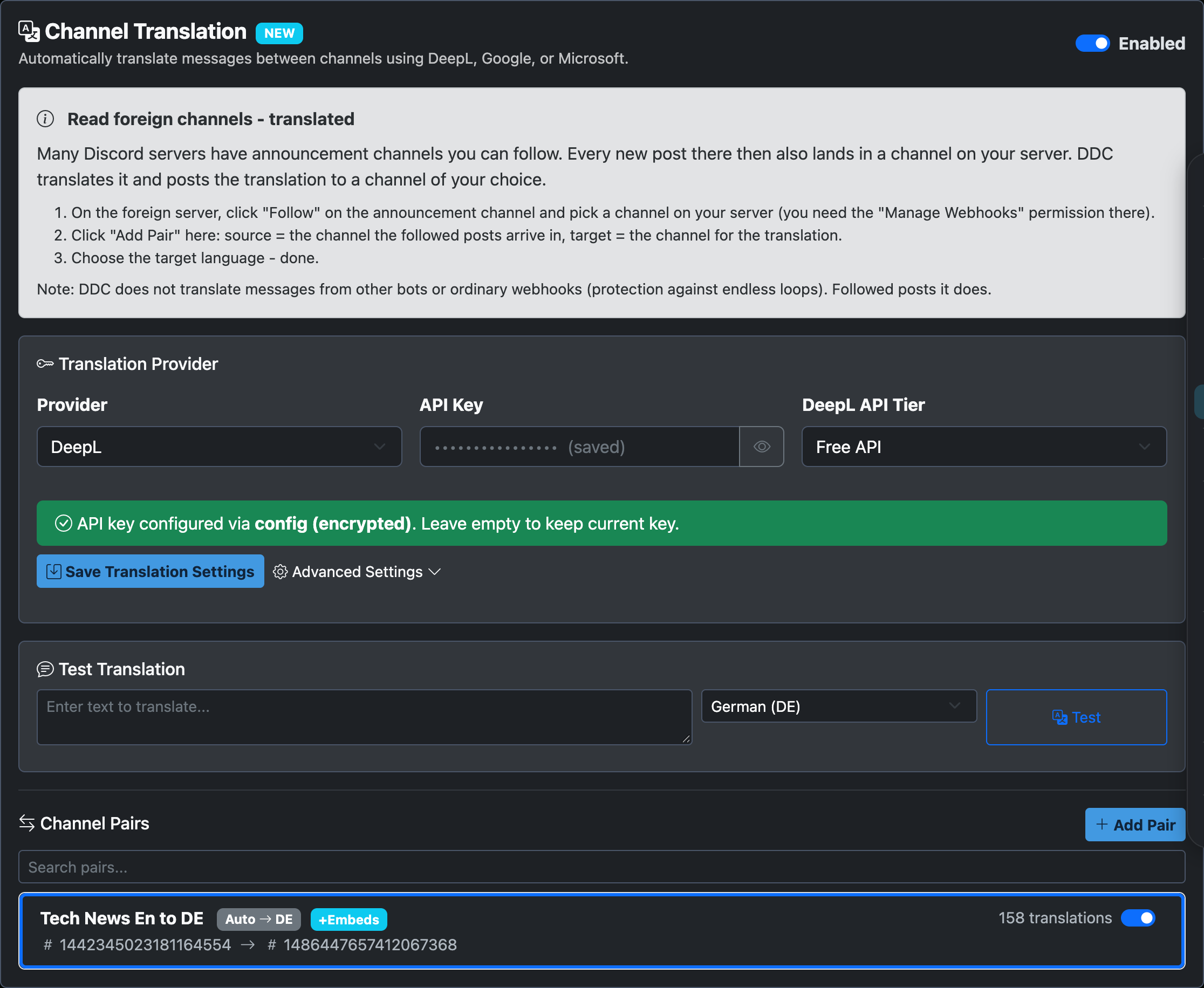
Channel Translation

Follow other servers' announcement channels and read them translated in your own - DeepL, Google or Microsoft Translator

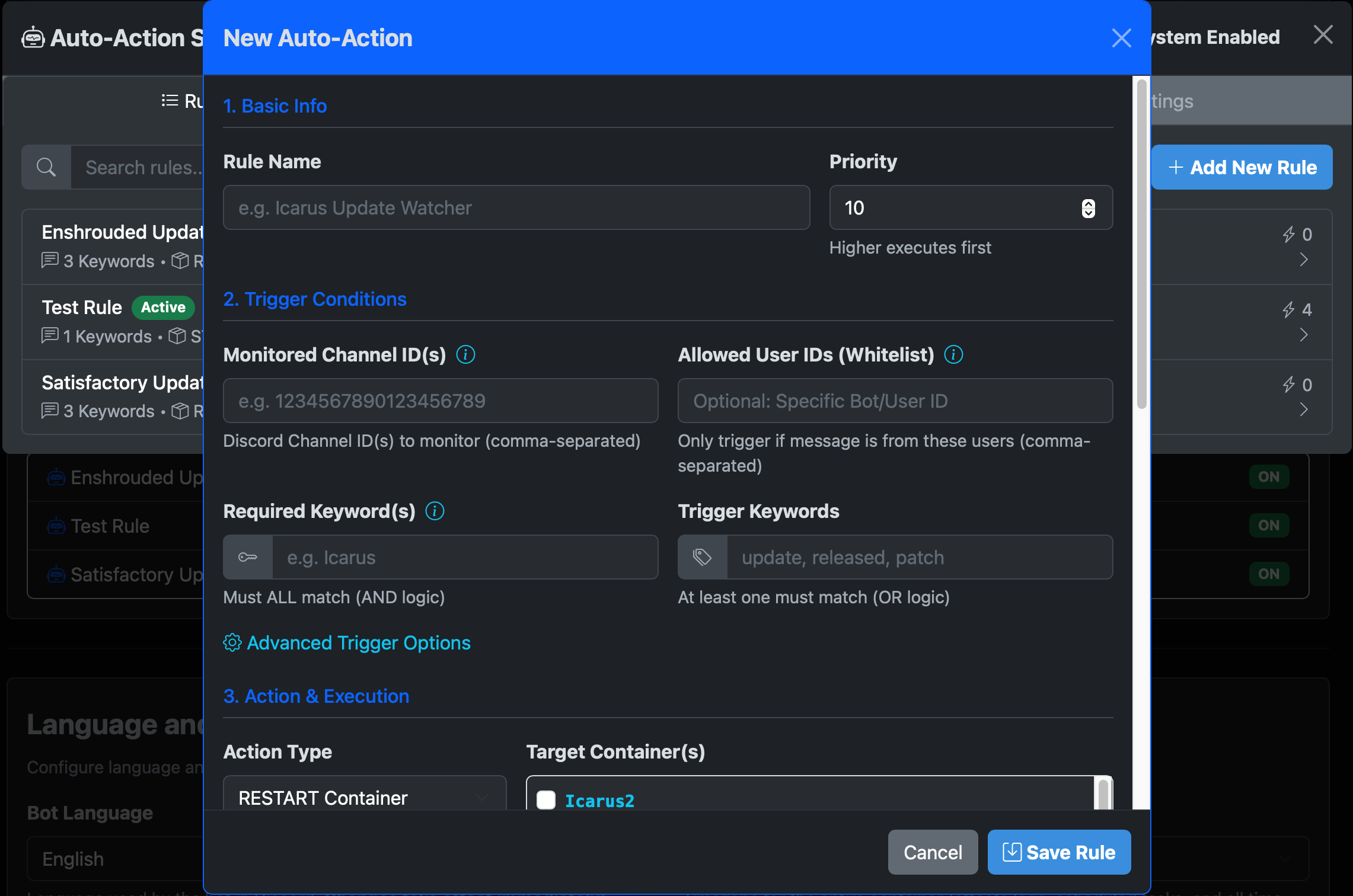
Auto-Action System Screenshot
View in carousel

Auto-Action System

Automatically trigger container restarts based on Discord messages from game update bots

Live Container Logs Screenshot
View in carousel

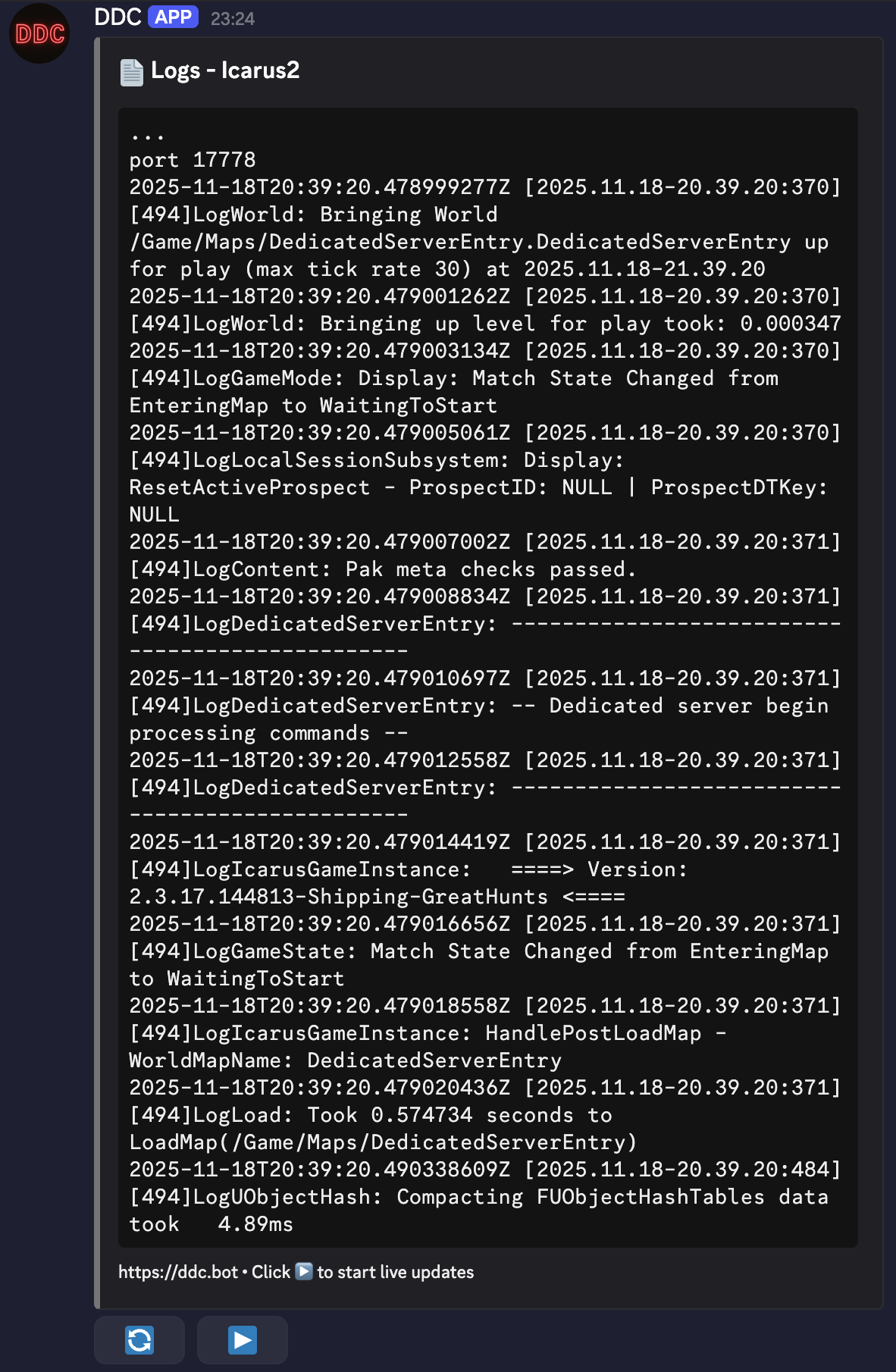
Live Logs

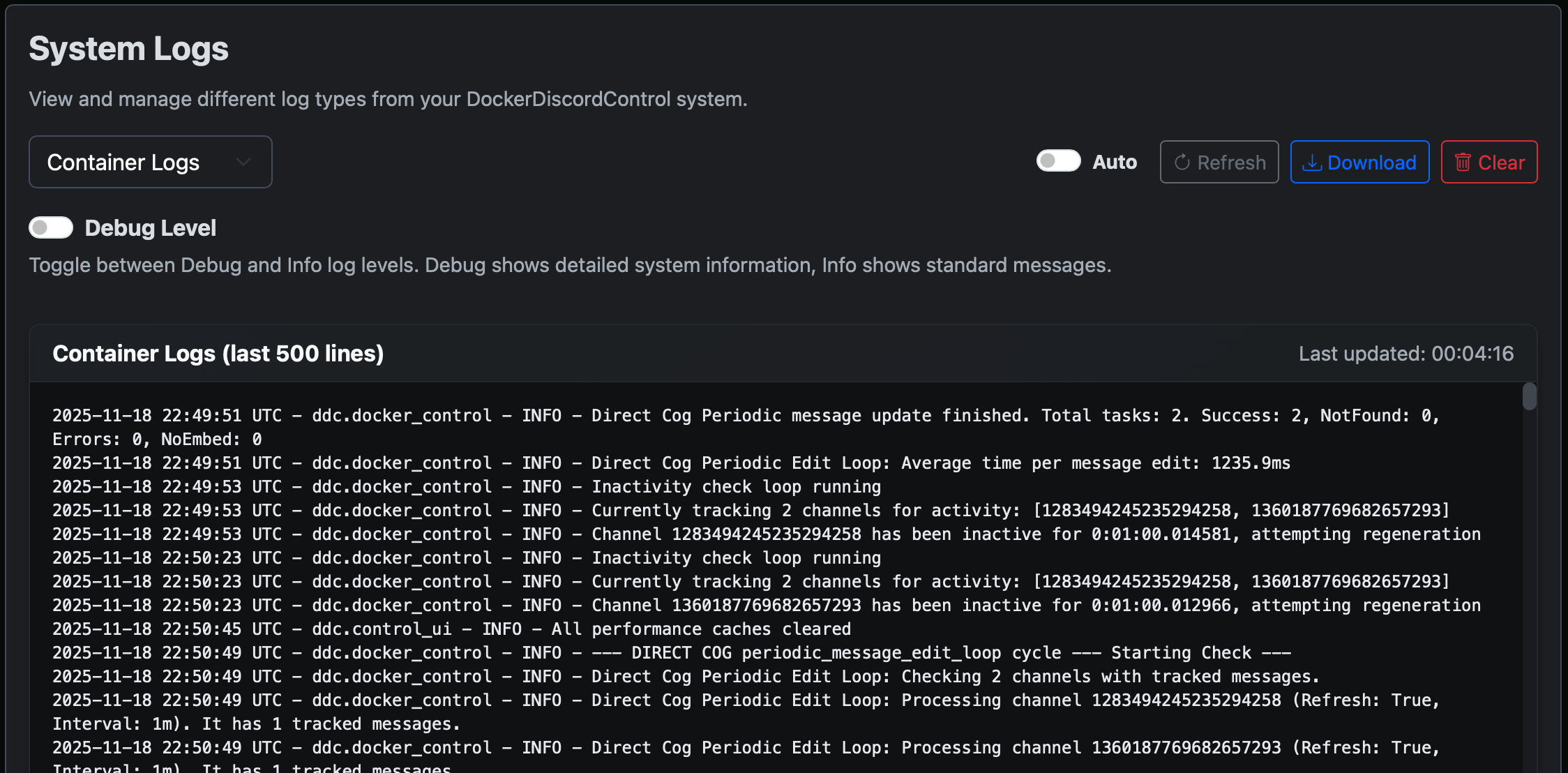
Monitor container logs in real-time directly within Discord for instant insights

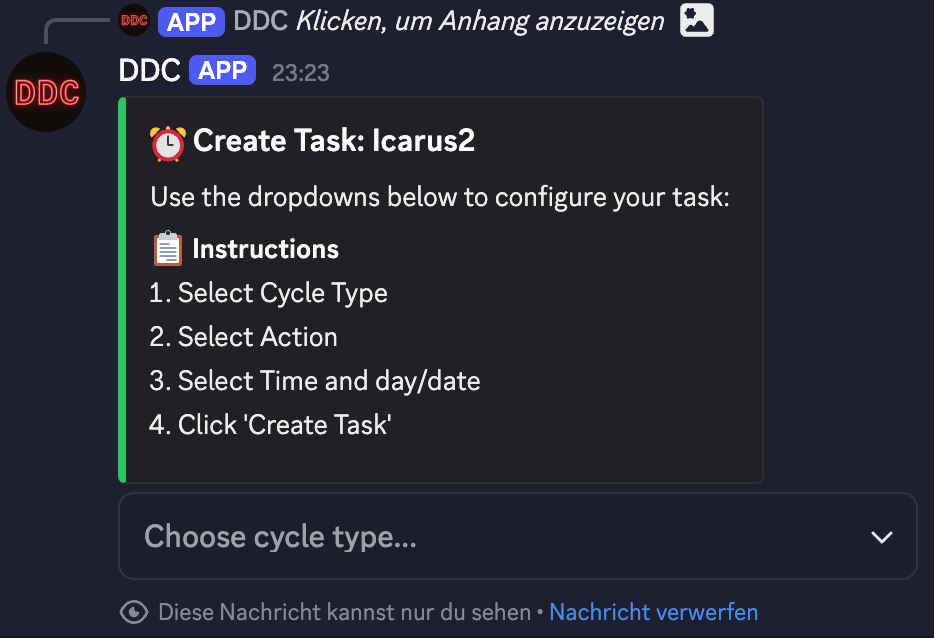
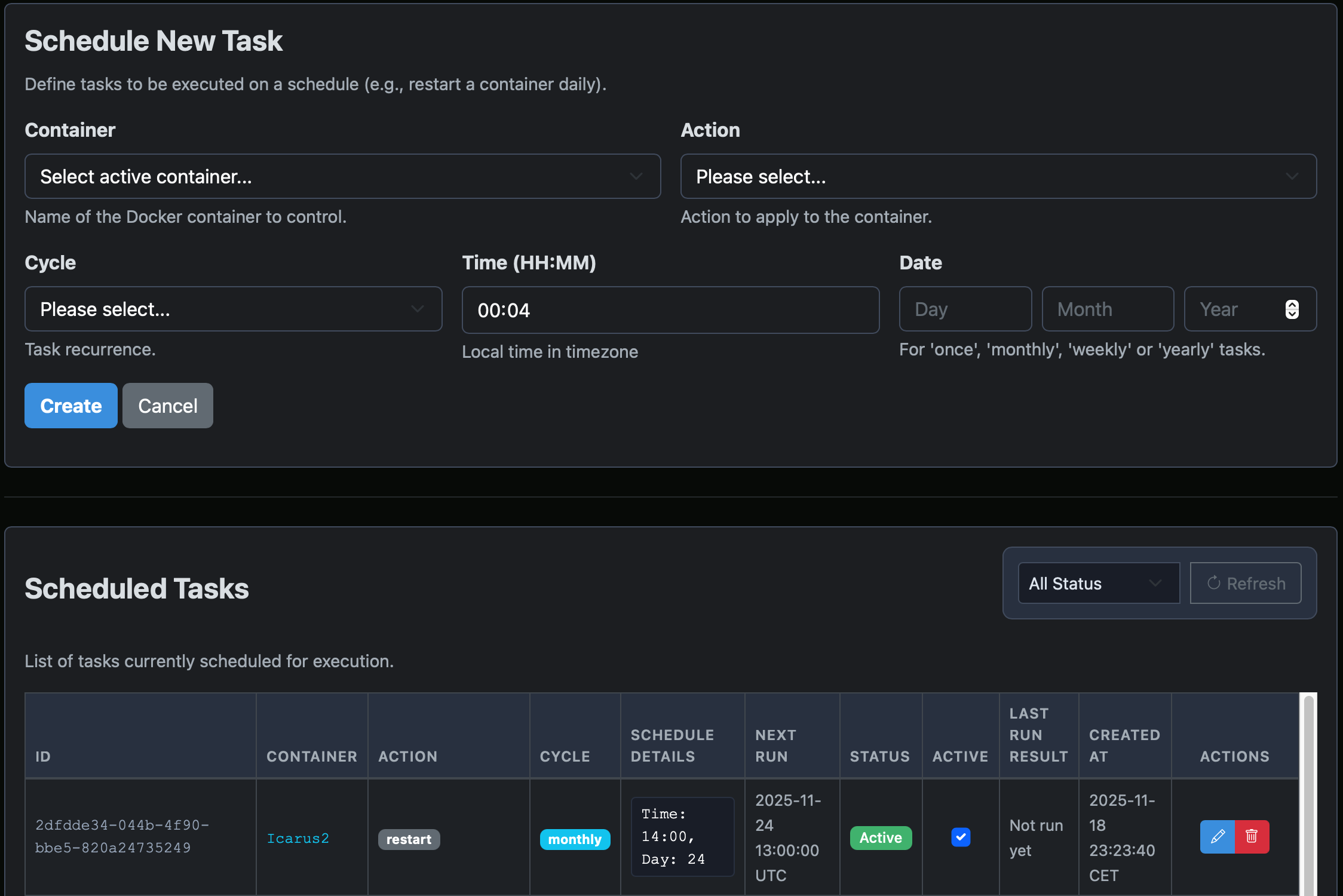
Task Scheduling Screenshot
View in carousel

Task Scheduling

Automate container operations with flexible scheduling and cron-based timing

Documentation

Loaded from GitHub Repository
Loading...
Loading README...

Loading documentation from GitHub...

Important Disclaimer

Security Notice

DockerDiscordControl provides powerful container management capabilities. Ensure proper access controls and security measures are in place before deployment in production environments.

System Requirements

This tool requires Docker and appropriate system permissions. Test thoroughly in development environments before production use.

License & Warranty

DDC is provided under the MIT License. Use at your own risk. No warranty is provided for any damages or data loss.

Community Support

This is an open-source project. Support is provided by the community through GitHub issues and discussions.

Feature Screenshot

Feature Screenshot

Feature description